

What Is Sketchware Pro APK?
Sketchware Pro APK is a mobile-based Android app development tool that allows users to create applications without writing traditional code. It uses a visual, block-style programming system, where you can build app logic by connecting pre-made blocks instead of typing complex syntax.
Designed primarily for beginners and non-programmers, Sketchware Pro lets you handle the entire development process directly on your smartphone—from designing the user interface to exporting a fully functional APK file.
What makes it unique is its combination of simplicity and flexibility. While it focuses on drag-and-drop development, it also supports advanced features like custom Java or Kotlin code, giving more experienced users room to expand their projects.
Key Features of Sketchware Pro APK
One of the main reasons users search for Sketchware Pro APK is its powerful feature set. Let’s explore what makes it stand out.
Drag-and-Drop UI Builder
Design your app visually by adding buttons, text views, images, and more.
Block-Based Programming
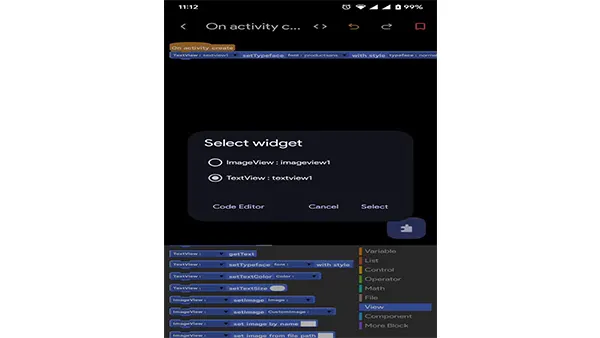
Instead of writing code, you use blocks to define logic—similar to Scratch.
Java and Kotlin Support
Advanced users can still add custom code for more control.
Built-In Components
Includes:
-
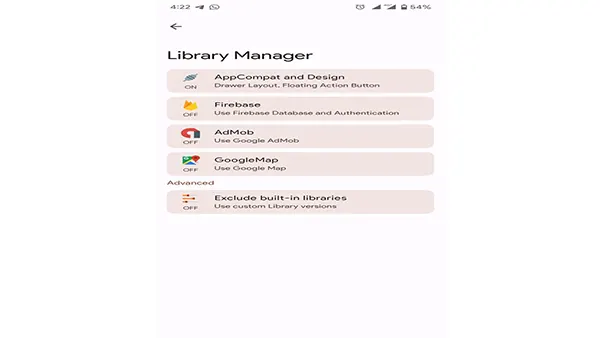
Firebase integration
-
AdMob support
-
Media players
-
Sensors
Real-Time Preview
Test your app instantly without exporting it.
APK Export
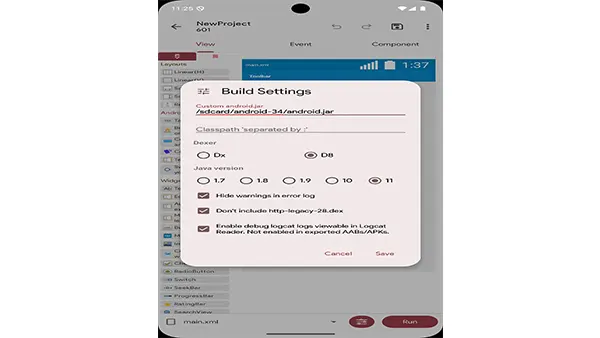
Compile your app directly into an APK file ready for installation.
Sketchware Pro APK vs Traditional Android Development
Understanding how Sketchware Pro APK compares to traditional development tools can help you decide if it’s right for you.
| Feature | Sketchware Pro APK | Android Studio |
|---|---|---|
| Coding Required | No (optional) | Yes |
| Device Needed | Smartphone | Computer |
| Ease of Use | Beginner-friendly | Advanced |
| Flexibility | Moderate | High |
| Learning Curve | Low | High |
Getting Started With Sketchware Pro APK
Once installed, you can begin creating your first app immediately.
Basic Workflow:
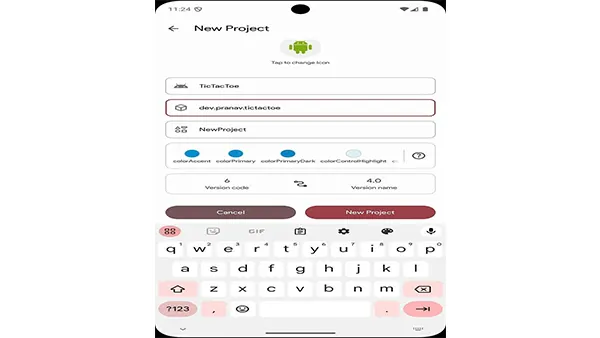
1. Create a New Project
-
Enter app name
-
Choose package name
2. Design the Interface
-
Drag UI elements like buttons and text views
3. Add Logic
-
Use blocks to define actions (e.g., button click → show message)
4. Test the App
-
Use the built-in preview feature
5. Export APK
-
Compile and install your app
Example Idea:
Create a simple calculator or quiz app to practice.
Tips to Get the Most Out of Sketchware Pro APK
To maximize your experience with Sketchware Pro APK, follow these tips:
Start Simple
Begin with small projects before moving to complex apps.
Learn Basic Programming Concepts
Understanding logic will help you use blocks more effectively.
Use Community Resources
Join forums and watch tutorials.
Experiment With Custom Code
Gradually explore Java or Kotlin for advanced features.
Conclusion
The demand for tools like Sketchware Pro APK continues to grow as more people look for simple ways to create apps. Whether you're just starting your journey or exploring new ways to prototype ideas, this tool provides a solid foundation.
By combining visual design, block programming, and mobile convenience, Sketchware Pro APK empowers anyone to become an app creator.